

Bafang Display Error Codes Explained: Troubleshooting Guide
Short answer
Most Bafang display error codes on BBS01B, BBS02B and BBSHD kits come from a loose connector or a sensor fault rather than a failed motor or controller. Note the exact code and your display model (DPC14, DPC18, 850C or SW102) first. The article lists the common codes (02 to 30), what we check first for each, and when it is worth booking the bike in.
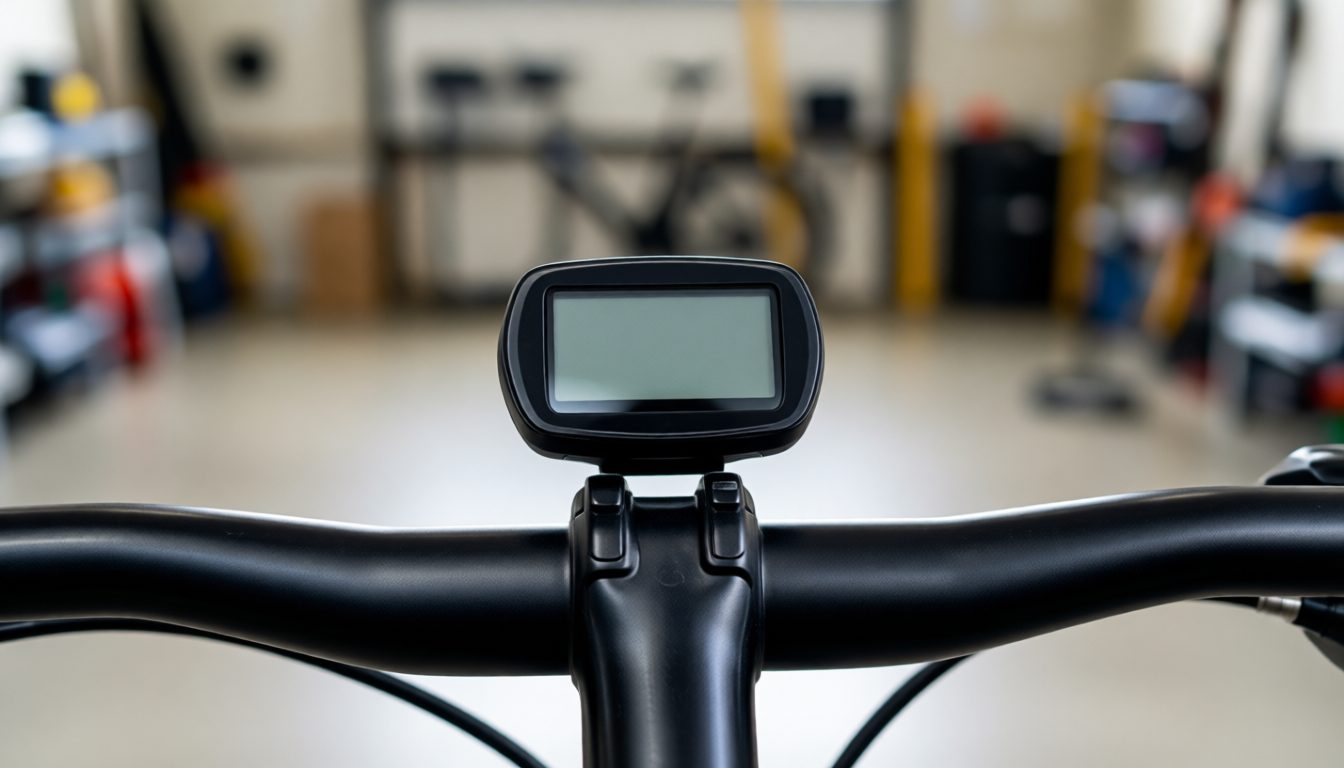
Before you rely on this list: Bafang pairs its mid-drive kits with a few different displays — DPC14 (BBS01B), DPC18 (BBS02B/BBSHD), the colour 850C, and the compact SW102 — and code numbering can shift slightly between them and between firmware revisions. The meanings below are the most consistently reported across the kits we fit. If your code or its behaviour doesn’t match what’s described, tell us the exact number and your display model and we’ll confirm rather than guess.
How to Find and Read Your Error Code
When a fault triggers, the display shows a flashing number — sometimes on its own, sometimes prefixed with “E” or “Er”. Before you do anything else, note down the exact number and which display you have (DPC14’s small mono screen, DPC18, the colour 850C, or the compact SW102 bar display). That combination is what actually determines the fix, and it’s the first thing we’ll ask for if you get in touch.
Power & Battery Codes
Code 06 — Undervoltage protection. Most likely cause: the battery has sagged below the controller’s low-voltage cutoff, usually from riding it near-empty or a weak connector adding resistance under load. What we check first: charge fully, then check voltage under load rather than at rest — a battery that reads fine sitting still can still sag under load if a connection is degraded.
Code 07 — Overvoltage protection. Most likely cause: a battery or charger paired at the wrong voltage for the controller (36V/48V/52V mismatches), or a charger that’s overshooting. What we check first: confirm the battery’s nominal voltage actually matches what the controller is rated for before assuming a charger fault.
Code 12 — Battery communication fault. Most likely cause: the handshake between a smart battery’s BMS and the controller has dropped, separate from the main power connection. What we check first: the communication pins on the battery-to-controller connector specifically, not just the main power leads — this is easy to miss because the power connection can seem fine.
Motor & Sensor Codes
Code 02 — Throttle fault. Most likely cause: the throttle was held or stuck at power-on, or there’s a wiring fault on the throttle circuit. What we check first: release the throttle fully and power cycle; if it recurs, we check the throttle wiring and connector.
Code 04 — Motor Hall sensor fault. Most likely cause: Hall sensor wiring inside the motor cable has been damaged, or the connector has worked partially loose. What we check first: continuity on the Hall sensor lines at the motor connector before assuming an internal motor fault. If a sensor has failed, we offer Bafang hall sensor replacement for mid-drives and hub motor hall sensor replacement for hub kits.
Code 08 — Motor over-temperature protection. Most likely cause: sustained high-load riding — steep hills, high assist, low cadence — without a chance to cool, or occasionally the temperature sensor itself faulting. What we check first: let the motor cool fully, then see whether the code returns under normal riding before assuming a sensor problem.
Code 09 — Torque/cadence sensor fault. Most likely cause: a communication issue at the bottom bracket torque sensor, often disturbed by a bottom bracket removal or refit. What we check first: the torque sensor connector seating and BB cup alignment — we see this one most often after a home-fitted kit or a wheel/BB service by someone unfamiliar with the sensor.
Code 10 — Motor phase / overcurrent fault. Most likely cause: a phase wire short or fault inside the motor, or the controller being pushed past its current limit. What we check first: phase wire continuity and isolation before assuming the controller itself has failed — this one genuinely can point to a bigger repair, so it’s worth getting confirmed rather than guessed at.
Communication & Control Codes
Code 05 — Display-to-controller communication fault. Most likely cause: the main harness connector between display and controller isn’t fully seated, often loosened by vibration over time. What we check first: reseat and lock that connector — this alone resolves a large share of the code-05 cases we see.
Code 11 — Torque sensor initialisation fault. Most likely cause: the sensor didn’t complete its zero-point calibration at power-on, sometimes because the pedals were touched during startup. What we check first: power cycle without touching the pedals until the display settles.
Code 21 — Brake sensor fault. Most likely cause: the brake lever cut-off switch is stuck engaged, or there’s a fault on the brake sensor cable. What we check first: brake lever sensor wiring and that the lever is returning fully after use.
Codes 25 / 30 — General controller communication fault. Most likely cause: this pair varies the most by display and firmware pairing of anything on this list. What we check first: we ask for the exact code and display model before diagnosing further — this is the one we most often need a WhatsApp photo of the display for.
| Code | Most commonly reported meaning | What we check first |
|---|---|---|
| 02 | Throttle fault | Throttle position at power-on, wiring |
| 04 | Motor Hall sensor fault | Hall sensor continuity at motor connector |
| 05 | Display-controller communication fault | Main harness connector seating |
| 06 | Undervoltage protection | Battery voltage under load, connectors |
| 07 | Overvoltage protection | Battery/controller voltage match, charger |
| 08 | Motor over-temperature protection | Recent load pattern, cool-down test |
| 09 | Torque/cadence sensor fault | Torque sensor connector, BB alignment |
| 10 | Motor phase / overcurrent fault | Phase wire continuity and isolation |
| 11 | Torque sensor initialisation fault | Power cycle without touching pedals |
| 12 | Battery communication fault | BMS communication pins on connector |
| 21 | Brake sensor fault | Brake lever switch and cable |
| 25 / 30 | General communication fault (varies by display) | Exact code + display model first |
How We Diagnose a Code on the Bench
-
Confirm the exact code and display model
The same-looking number can mean different things on a DPC14 versus an 850C, so this comes before anything else.
-
Reseat and continuity-check the relevant connector chain
Whichever connector the code points to — display harness, motor Hall lines, torque sensor, battery comms — gets checked for a secure, clean fit first, since this resolves most of what comes across the bench.
-
Voltage checks and component swap testing if needed
If a connector check doesn’t clear it, we measure voltage at key points under load, then test with a known-good spare component before ordering any replacement part.
Visit us: 2 Beresford Road Lane, Cardiff, CF24 1QU
Hours: Mon–Fri 11am–6pm • Sat 11am–3pm • Sun closed
FAQ
My display just shows a flashing number with no letter — is that still an error code?
Yes. Some displays show a bare number, others prefix it with “E” or “Er” — the number is what matters, so note it down either way along with your display model.
Can I keep riding with a code showing?
It depends on the code. Undervoltage or a communication fault usually means stop, power cycle, and recheck before continuing. Over-temperature or overcurrent codes are worth stopping for and letting the system cool rather than pushing through — continuing to ride through those is what turns a minor fault into a bigger repair.
Does a code always mean a warranty repair or a new part?
No — a loose or lightly corroded connector is the most common actual cause across every code on this list, not component failure. It’s worth ruling that out first regardless of which code you’re seeing.
What if my code isn’t listed here, or behaves differently to what’s described?
This covers the codes we’re asked about most often, not an exhaustive list for every display and firmware combination. Send us the exact code and a photo of your display via WhatsApp and we’ll confirm what it actually means for your setup before you assume the worst.
Seeing a code that isn’t clearing, or one that’s not listed here? Message George on WhatsApp with the code and your display model and we’ll tell you what we’d check first.